
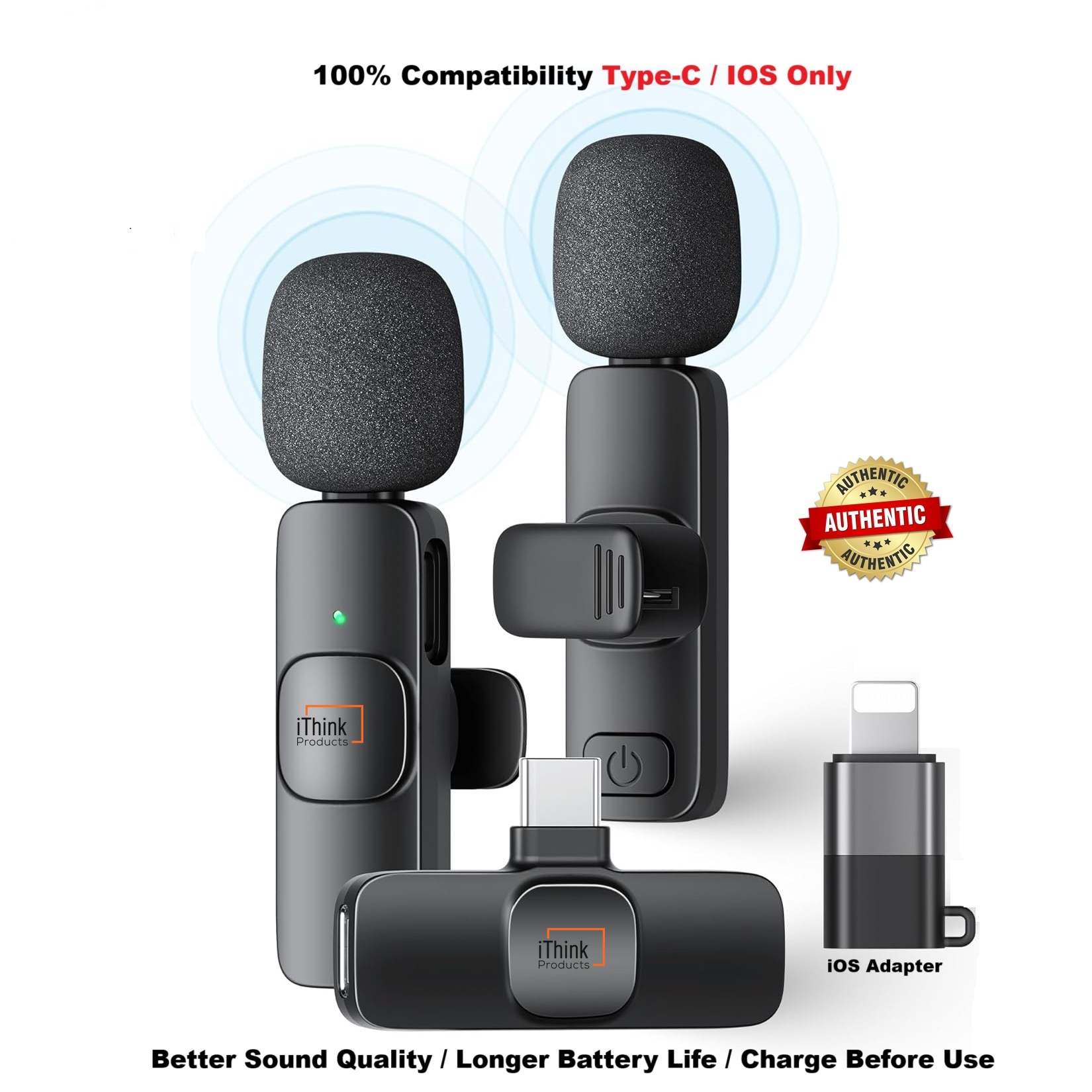
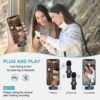


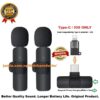
K9 Dual Wireless Microphone TYPE-C Android IPhone IOS Wireless Lapel Microphone
Original price was: ₦32,000.00.₦11,900.00Current price is: ₦11,900.00.
- Please watch this video https://www.youtube.com/watch?v=fXSEAoP6rLk&t=386s
- Kind Note: Some model Samsung and Android phones will have to Enable OTG in settings. https://www.youtube.com/watch?v=_9p_bIBsr7A
- Or download APP – Open Camera if not working directly
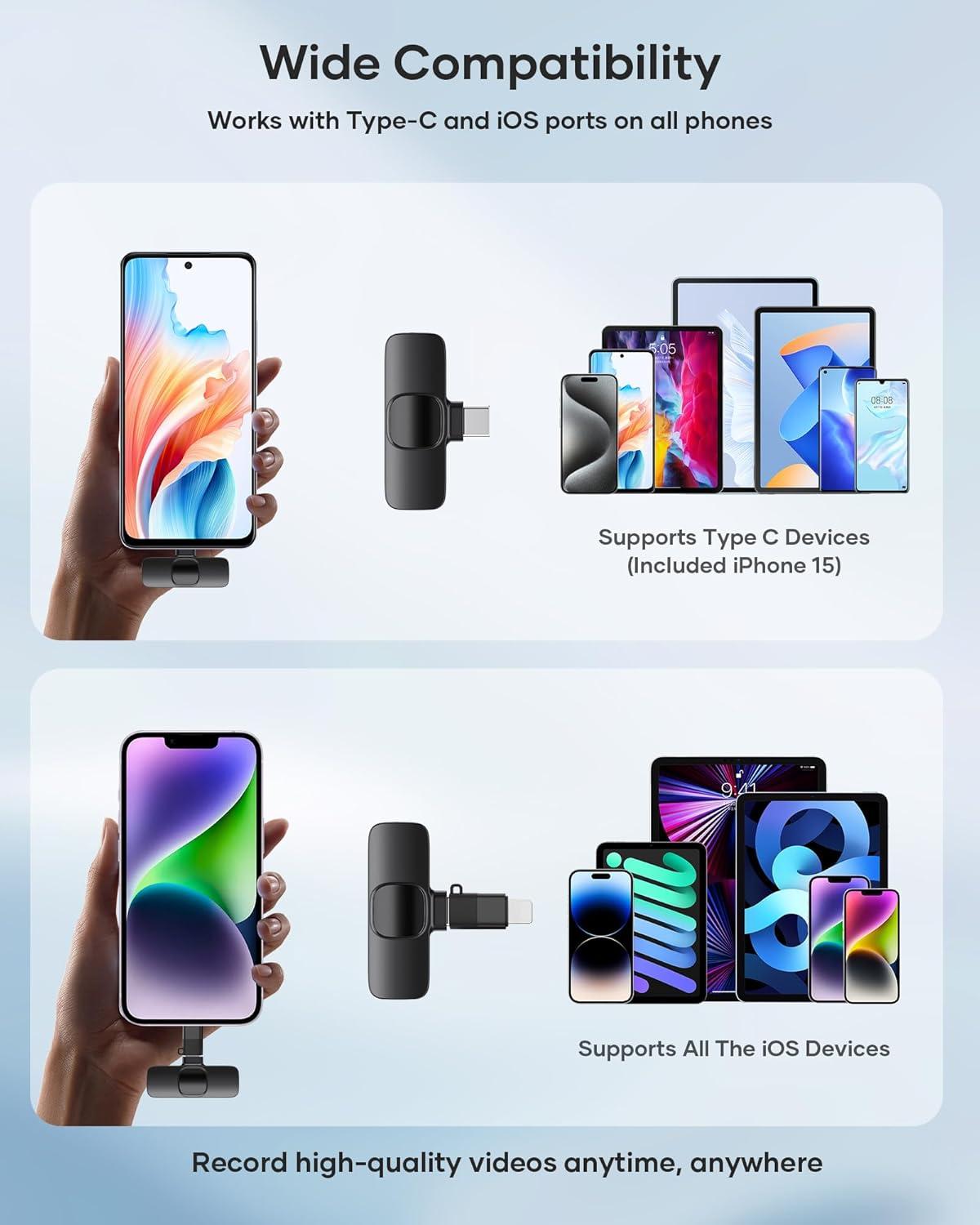
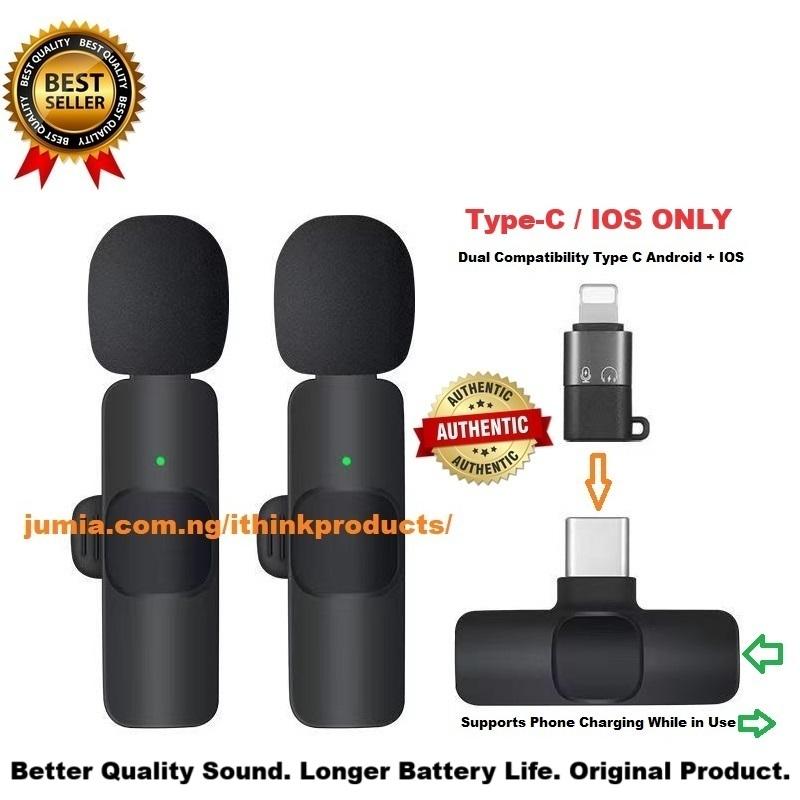
- Wireless Lavalier Microphones is compatible with TYPE-C Android
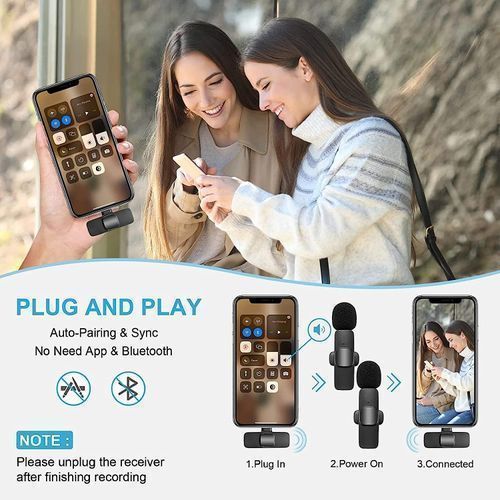
Phone and IOS Phones - Plug and Play – Enable OTG in phones, This clip-on mic is easy to use, Automatic Pairing,
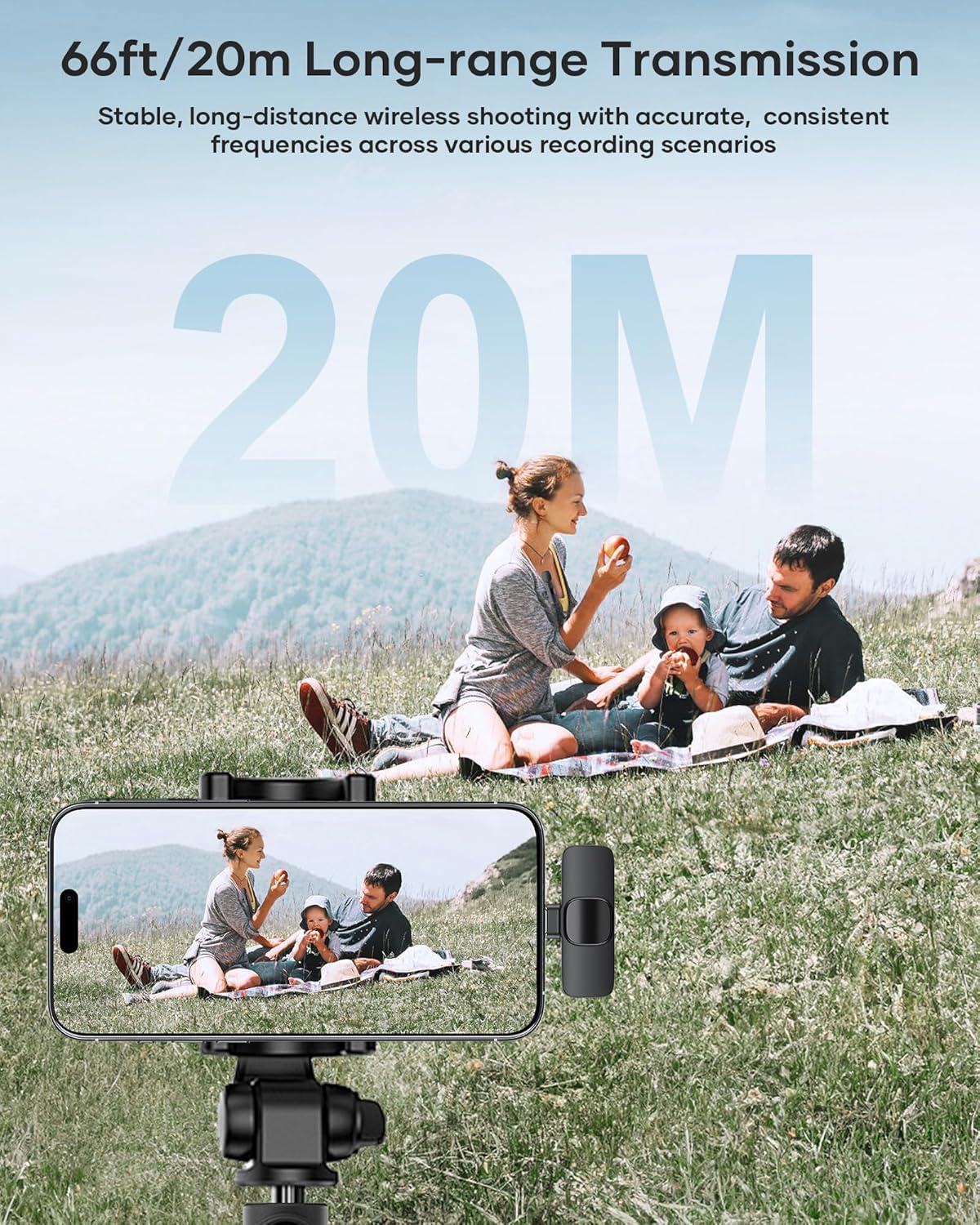
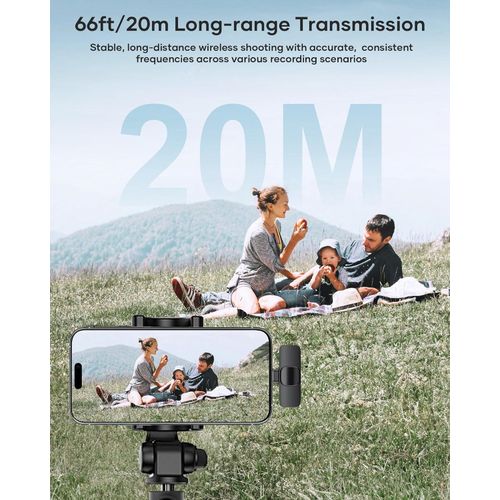
- Long-distance transmission and long working hours.High
Performance Wireless Microphone - 360° Omnidirectional Sound Reception】Real-time Crystal Voice Syncs without any delay
- Dual Mics are the perfect option for recording a Conversation
between to People - Compatible with iOS and Android Devices】The upgraded wireless lavalier microphone is
equipped with a Type C and a lightning connectors
K9 Dual Wireless Microphone TYPE-C Android IPhone IOS Wireless Lapel Microphone
| <p><span style=”font-size: small;”><strong><span>Wireless Microphones </span></strong></span><strong style=”font-size: small;”>Lavalier Lapel Mic </strong><span style=”font-size: small;”><strong>i</strong>s compatible with Most C-TYPE Android Phone and IOS Phones. </span><span style=”font-weight: bold; font-size: small;”> </span><span>Please watch</span><span style=”font-weight: bold; font-size: small;”> </span><span style=”font-size: small;”>this video </span><a href=”https://www.youtube.com/watch?v=fXSEAoP6rLk&t=386s” style=”font-size: small;”>https://www.youtube.com/watch?v=fXSEAoP6rLk&t=386s</a>. </p><p><span style=”font-size: medium;”><span>To use for video on your phone – Download Open Camera App / give app microphone permission in setttings.</span><b style=”box-sizing: border-box; color: rgb(49, 49, 51); font-family: Roboto, -apple-system, BlinkMacSystemFont, "Segoe UI", "Helvetica Neue", Arial, sans-serif;”> </b></span></p><p><strong style=”font-size: small;”>Kind Note</strong><span style=”font-size: small;”><b> if not working directly</b> </span><strong style=”font-size: small;”>: </strong><span style=”font-size: small;”>Some model Samsung and Android phones will need to </span><strong style=”font-size: small;”>Enable OTG </strong><span style=”font-size: small;”>in phone settings</span><span style=”font-size: small;”> - </span><span style=”font-size: large;”><a href=”https://www.youtube.com/watch?v=_9p_bIBsr7A” style=”font-family: "Agency FB", "sans-serif";”>https://www.youtube.com/watch?v=_9p_bIBsr7A</a>. Or</span><span style=”font-size: small;”> have to download APP</span><strong style=”font-size: small;”> - Open Camera</strong><span style=”font-size: small;”> if not working directly-</span><strong style=”font-size: small;”> </strong><span style=”font-size: small;”><a href=”https://www.youtube.com/watch?v=4ohnz-UjYwI”>https://www.youtube.com/watch?v=4ohnz-UjYwI</a></span></p><p><span style=”font-size: small;”>Wireless </span><span style=”font-size: small;”>Lavalier</span><span style=”font-size: small;”> Microphones<strong> </strong></span><span style=”font-size: small;”>Dual Mics are the perfect option for recording a Conversation between two People.</span></p><p><span style=”font-size: small;”><strong><span>[Plug and Play</span></strong><strong><span>】</span></strong>Enable OTG in phones<b>, This clip-on mic</b><span> is easy to use, Automatic Pairing, Automatically Connect When Plugged into the Receiver, No Adapter, Addtional APP, Bluetooth Needed. The red light on receiving flashes; press switch key of mic, the indicator light turns green, then power is turned on; The red indicator light of receiver and the green indicator light of microphone always keeps on, then you can use the microphone to receive sound by opening phone camera, live App or other Apps. Kind Note: Some Android Phones may need APP DOWNLOAD IF NOT COMPATIABLE ( <strong><span>Open Camera</span></strong> app). <b>Please watch </b>this video- <b> </b>https://www.youtube.com/watch?v=fXSEAoP6rLk&t=386s</span></span></p><p><span style=”font-size: small;”><span>【</span><span>Long-distance transmission and long working hours</span><span>】</span><span>High Performance Wireless Microphone, Signal stability. The lavalier microphone is builtIN Rechargeable Batteries. 20M/65FT Working Distance without obstacle.</span></span></p><p><span><span style=”font-size: small;”>Dual Mics are the perfect option for recording a Conversation between to People , Adding Special effects, Mike comparers , Introductions and so on. Why restrict to single Mic ? – and You can use Dual set as single Set as well.. Just don’t switch on the other Mic</span></span></p> <p><span style=”font-size: small;”><span>【</span><span>Easy Plug <p><span style=”font-size: small;”><span>【</span><span>Mini-Size <p><span style=”font-size: small;”><span>【</span><span>Can work <p><span style=”font-size: small;”><span> </span><span>【</span><span>Universal <p><span style=”font-size: small;”><span>【</span><span>Superior <p><span><span style=”font-size: small;”>Note <p><span><span style=”font-size: small;”>1. <p><span><span style=”font-size: small;”>2. <p><span><span style=”font-size: small;”>3. <p><span><span style=”font-size: small;”>4. |
Be the first to review “K9 Dual Wireless Microphone TYPE-C Android IPhone IOS Wireless Lapel Microphone”
Related products
Reviews
There are no reviews yet.